Compare analyses
Compare two separate firmware
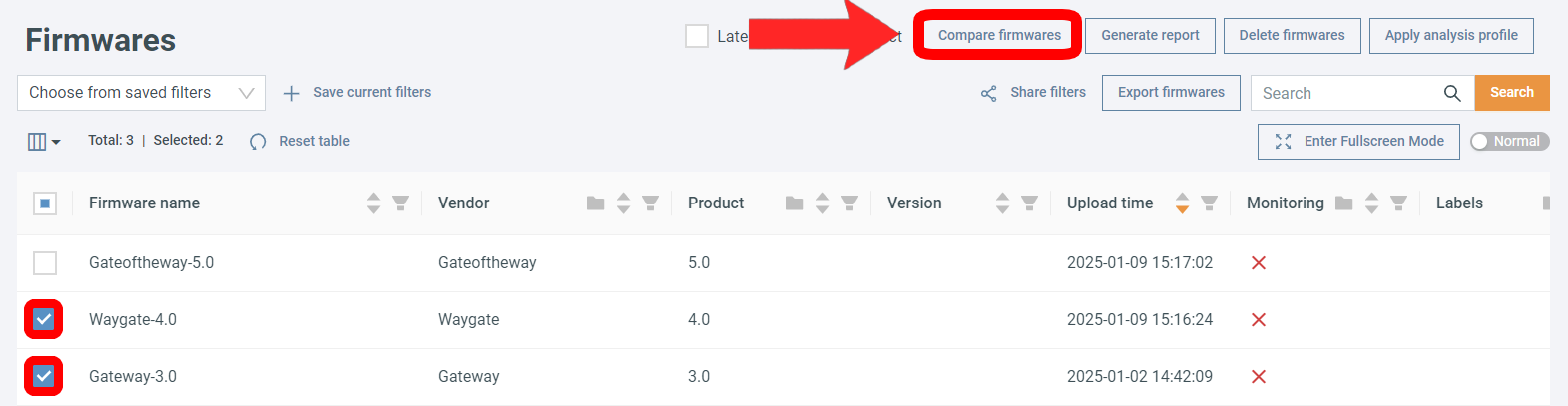
- Click on the Firmwares tab.
- Click the checkboxes next to firmware you want to compare (you can select two).
- Select Compare firmwares.
Automatic cleanup
Monitoring runs are kept for at least 7 days. After 7 days, runs with no change compared to the previous run are deleted automatically; runs that changed (or failed) are kept until they are 90 days old. The results of deleted runs remain available for download as an .xlsx file.
Manually triggered analyses are never deleted automatically.
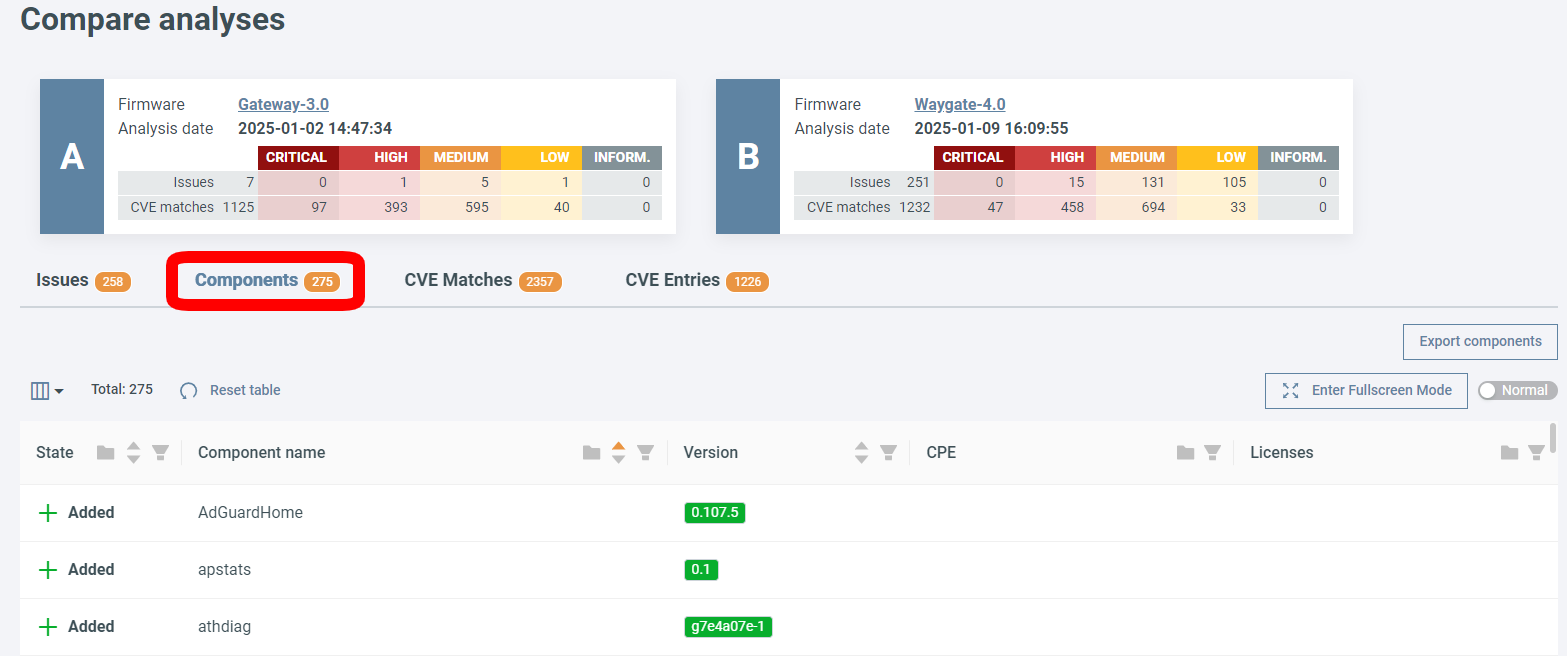
On the comparison page, click on a tab to see the differences.
CVE Matches vs. CVE Entries
A CVE Entry is a vulnerability record in the CVE database – it describes the vulnerability itself. Even if a CVE affects multiple components in the compared firmware, it counts as one entry.
A CVE Match is one occurrence of a specific CVE in a component. If the same CVE affects multiple components, each affected component counts as a separate CVE match.
For example, if CVE-2024-53141 affects two Linux kernel versions in the compared firmware, this counts as 2 CVE matches but only 1 CVE entry.
Compare same firmware
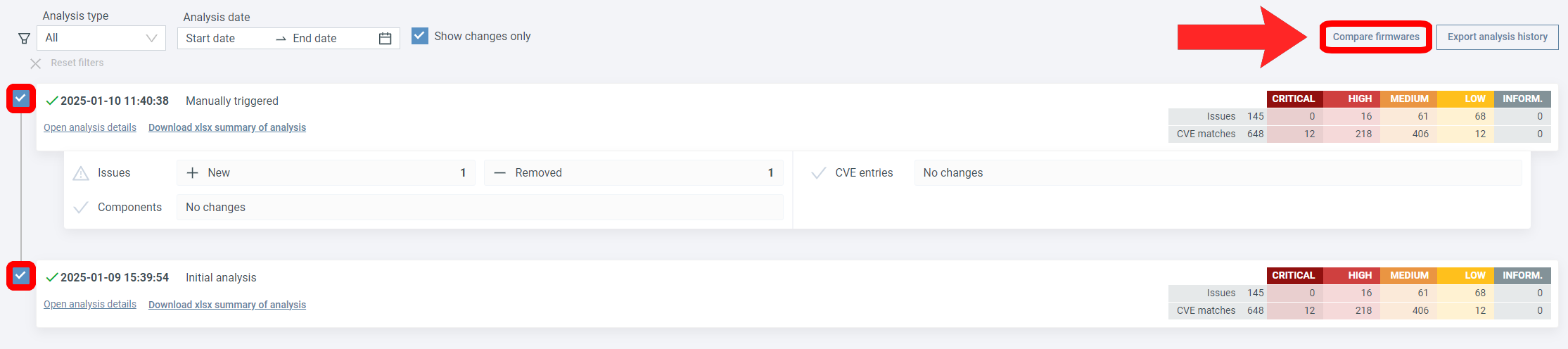
- Select a firmware.
- Open the Analysis History page (under the History dropdown).
- Click the checkboxes next to the analyses you want to compare (you can select two).
- Click Compare firmwares.